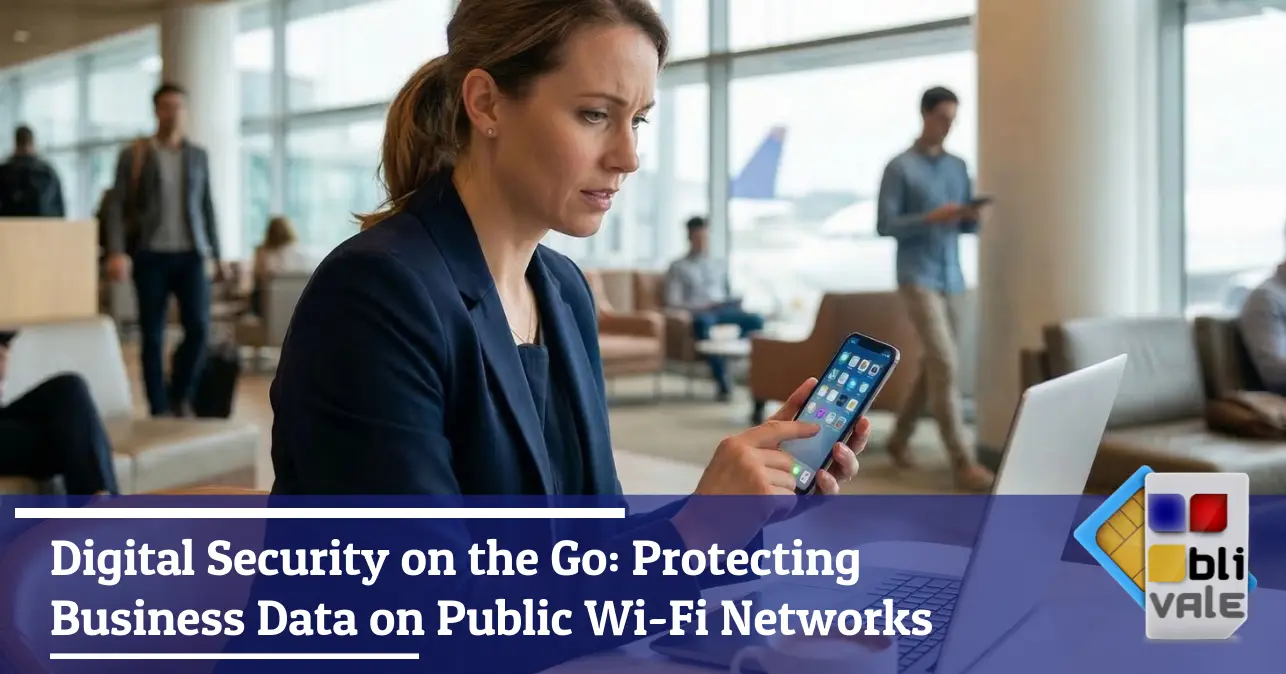
Every year, thousands of corporate credentials are compromised during business trips. Not through sophisticated hacking — but through a three-second lapse in judgement: connecting to the wrong network.
You've just landed in Singapore. You have 40 minutes before your meeting and need to download the latest contract. The airport Wi-Fi is free, fast, and looks reliable. You connect. At that very moment, three tables away, a laptop quietly opens a network traffic sniffing session. Your traffic.
This isn't sci-fi from a '90s thriller. It's a trivial technique, available to anyone who has downloaded Wireshark or Kali Linux. And international business travel is the preferred hunting ground for those who know how to exploit it.
In this article, we break down why public Wi-Fi is a genuine threat to corporate security, what the three main vulnerabilities are that every professional should understand, and — most importantly — how today's savvy travellers are protecting their data without sacrificing connectivity.
The problem
Why open networks are a cybercriminal's paradise
When you connect to a public Wi-Fi network — whether at an airport, a five-star hotel, or a conference centre — you're entering a shared space where no one checks who you are or what you do with other people's traffic. The three threats below require no advanced expertise to exploit: thirty minutes of YouTube tutorials is all it takes.
On unencrypted networks, data packets travel in plain text. Anyone on the same network can intercept and read emails, HTTP sessions and login credentials — without leaving any trace.
A fake hotspot with a name identical to the official hotel or airport Wi-Fi. Your device connects automatically, and all traffic passes through the attacker's machine.
On compromised networks, downloads can be modified in real time to include malicious payloads. Even a legitimate software update can become an attack vector.
The Man-in-the-Middle (MitM) attack is the technique that ties all three scenarios together: the attacker silently positions themselves between you and the server you're communicating with, intercepting — and potentially altering — every byte of traffic. Even a VPN can be vulnerable to this on an Evil Twin network if it isn't configured correctly.
Worth remembering: attacks on public Wi-Fi networks are disproportionately concentrated in international transit hubs — airports, business hotels, convention centres. Precisely the places where professionals carry their most sensitive data.
The technical solution
Beyond the VPN: the superiority of encrypted mobile networks
A VPN is a valuable tool. But relying on it exclusively over a public Wi-Fi network is like putting a padlock on a cardboard door. The problem isn't just that your traffic could be decrypted — it's that the network itself is untrustworthy, and some VPN implementations are vulnerable to DNS leaks and IPv6 leaks that expose your identity even when you think you're protected.
True security starts at the base level — the physical layer of your connection. A cellular data connection — 4G or 5G — is structurally different from a shared Wi-Fi network in several key ways:
-
Point-to-point encrypted communication Every session is authenticated and encrypted by the carrier. There is no "shared medium" that other users on the same network can access.
-
Structural impossibility of Evil Twin attacks You cannot create a "fake cellular network" without multi-million-euro infrastructure. The risk of rogue hotspots is absent by design.
-
A dedicated, unshared channel The network segment is yours. No other user can intercept your data packets at a local level.
This is why professionals who travel frequently — especially to countries like Japan, Singapore, the USA, and the UAE — are increasingly adopting dedicated mobile connectivity as their first line of defence. Not as an alternative to a VPN, but as the secure foundation on which a VPN can truly do its job.
The key principle: A VPN running over a dedicated cellular connection is robust. A VPN running over a potentially compromised public Wi-Fi network is a padlock on a cardboard door.
Practical guide
5 steps to a bulletproof mobile office
Before your next business trip, run through this list. Each step takes less than five minutes, but could mean the difference between a smooth journey and a security incident with serious legal and reputational consequences.
-
1. Disable automatic Wi-Fi connections On iOS: Settings → Wi-Fi → disable "Ask to Join Networks". On Android: network settings → remove automatically saved networks. Your device should never connect to unknown networks on its own.
-
2. Enable two-factor authentication (2FA) on all critical accounts Corporate email, VPN, CRM, server access. Even if your credentials were intercepted, the second factor blocks unauthorised access.
-
3. Update your firmware and operating system before you leave Security patches close known vulnerabilities. Travelling with an outdated operating system is the digital equivalent of leaving a window open.
-
4. Always prefer a local cellular connection or a dedicated eSIM An international eSIM with an active data plan eliminates the need for public Wi-Fi for work communications entirely. Your personal hotspot becomes your private network — secure, dedicated, yours.
-
5. Encrypt your laptop's hard drive BitLocker (Windows) or FileVault (Mac) protect your data even in the event of physical theft. In many countries, data protection regulations for corporate information explicitly require it.
Strategic conclusion
Travel with peace of mind: the case for dedicated connectivity
Digital security while travelling is no longer just an IT department concern. It's a personal responsibility for every professional who carries sensitive corporate data — contracts, financial projections, confidential client communications, access to internal company systems.
For those who regularly travel across multiple countries — in Asia, North America, the Middle East or Europe — having a stable, private and unshared data connection is no longer an operational luxury. It's a corporate security measure, on a par with antivirus software or a firewall.
Modern international eSIM solutions let you activate a local data plan in dozens of countries within seconds — no queuing at counters, no physical SIM to swap, no dependence on unreliable public Wi-Fi. Your personal hotspot becomes your private network wherever you are: at Singapore airport, in a New York hotel, in a waiting room in Dubai.
Next time you're in transit
Before connecting to the free airport Wi-Fi, ask yourself: how much confidential corporate data am I about to transmit? Is it worth the risk to save a few gigabytes?
There are international connectivity solutions designed precisely for professionals like you — activated in 2 minutes, working in over 100 countries, with no long-term contracts.
Discover our connectivity solutions →